Features
Reads screen text with Windows’ built-in OCR and places the translation right above the original; the mouse passes through, so normal use is unaffected
Translations follow the text while you scroll (Windows and Android): scroll a social feed or a long page and the boxes neither jump nor vanish and reappear
Uses Google Translate online and switches to the offline model automatically when there is no connection; you can also turn Google off entirely in settings
Proper nouns stay untouched: a custom do-not-translate list plus automatic detection of capitalised words, camelCase and similar
Wrapped lines are merged into paragraphs before they are judged and translated, so sentences with a hashtag, mention or capitals are no longer dropped
Stable display: a passage must be seen twice in a row before it is shown, so positions do not jump around
The overlay and settings window are excluded from capture, so the app never re-translates its own translations
Speech translation (Windows): listens to what the computer plays or to the microphone, transcribes it offline with Whisper and lists the original and translation at the bottom of the screen, in larger caption text
Light on resources: runs at low priority with 2 translation threads, starts in about 1 second, can launch at boot and minimise to the system tray
Android: on-device OCR and translation with Google ML Kit, no account; speech captions use Whisper with automatic language detection and update every 0.3 s, so words appear one after another as you speak
The interface follows the Windows language; adding a new UI language takes just one JSON file
Notes Requires Windows 10/11 (Android 8 or later). Language packs are not bundled; you are asked before each one is downloaded (about 50 to 100 MB each). When Google Translate is used, text is sent to Google; you can turn that off in settings. Offline translation quality is limited; see the known issues on GitHub. FAQ: text in some language is not recognized? Go to Settings > Time & language > Language & region, click “Add a language”, pick the language you want recognized (for example English), and tick “Optical character recognition (OCR)” during installation. After it finishes, restart Screen Translator and the language appears in its list. Tech: Python, PySide6, Windows OCR, Argos Translate, Whisper; the Android build is Kotlin.
The person who built this can work for you too
Document formatting, slide clean-up and simple programs. Quoted first, usually delivered the same day, with one free revision.
More open-source projects
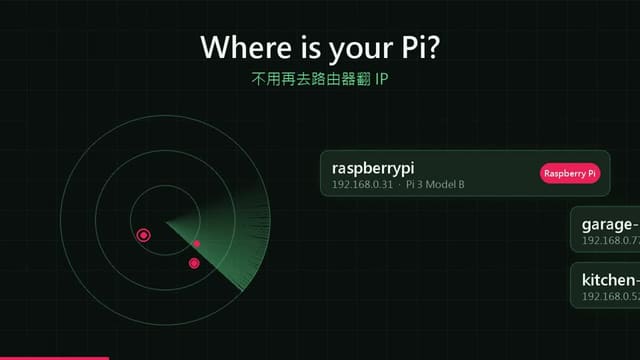
piscout
啟動後自動掃描區網,認出樹莓派;點「連線」就能在程式裡開 SSH 終端機,或透過 SSH 通道看與操作樹莓派桌面。不…
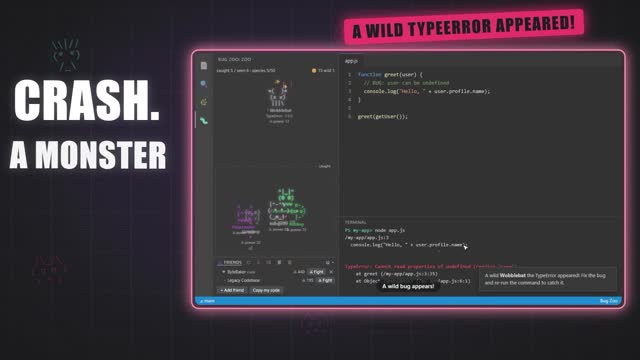
Bug Zoo
When your program fails, a monster appears; fix the code and run the same command again to catch it. A monster’s strength comes from the stack depth, blast radius and failure rate of real projects.
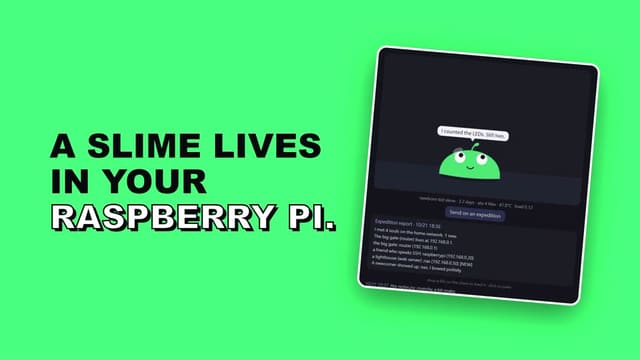
slime-pi
It is not a surveillance program with a face added, but a small creature whose life is tied to this Raspberry Pi: it sweats when the CPU is hot, pants under load and spins in place with no network…
bgm-music
No music theory needed. You name the video type; it composes with the rules for that kind of video…
English summary. Screen Translator is a free on-screen translator for Windows and Android: it reads text on your screen with the built-in Windows OCR, draws the translation right above the original in a click-through overlay, works offline with Argos Translate, and can caption the audio your computer plays using Whisper. Open source, MIT license.
By:Inkacuity(GitHub:MilkteaTW1)