Features
Scan the network and recognize Raspberry Pis without finding IPs yourself
Built-in SSH terminal with command and file suggestions as you type
Remote desktop: view and control the desktop through an SSH tunnel
Status bubbles: temperature, load, memory, disk and uptime
Plain-language checks for under-voltage, overheating, SD card errors, full disk and more
Drag files into the window to upload them to the Pi
Flash the official Raspberry Pi OS to an SD card from this PC (images verified with SHA-256)
The interface supports Chinese and English
Notes An early version that currently supports Windows only. The downloaded piscout.exe is not code-signed, so Windows SmartScreen may show a warning. Built with Python, FastAPI and pywebview.
More open-source projects

Bug Zoo
When your program fails, a monster appears; fix the code and run the same command again to catch it. A monster’s strength comes from the stack depth, blast radius and failure rate of real projects.
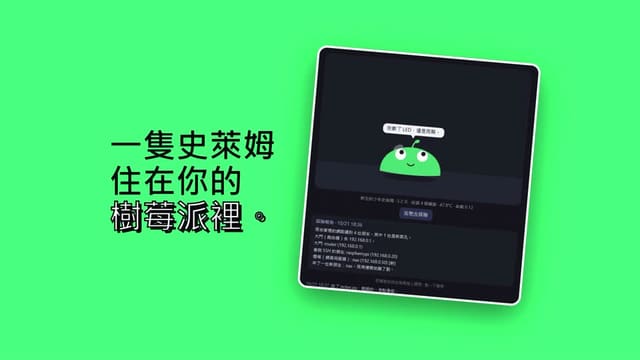
slime-pi
It is not a surveillance program with a face added, but a small creature whose life is tied to this Raspberry Pi: it sweats when the CPU is hot, pants under load and spins in place with no network…
piscout is a Windows desktop app that finds Raspberry Pis on your LAN and gives you an SSH terminal, remote desktop, a status panel (temperature, load, memory, disk) and SD card flashing in one window. Early version, open source, written in Python.
By:墨鋒 Inkacuity(GitHub:MilkteaTW1)